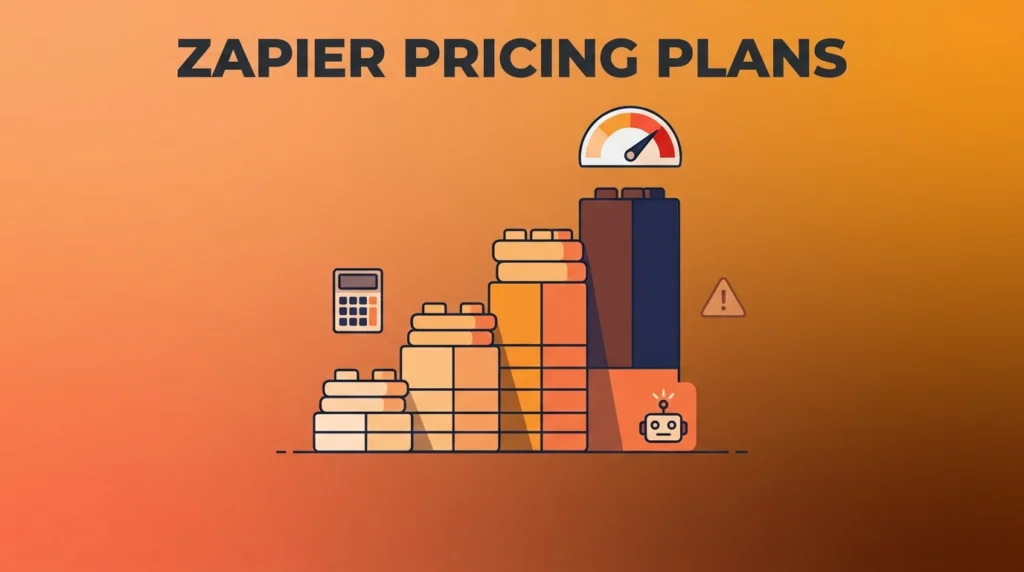

Zapier Pricing Plans: The Complete 2026 Breakdown
Zapier pricing plans run on task volume, not flat feature tiers. That makes the actual cost harder to predict than a simple monthly fee. Knowing how tasks get counted, when overage kicks in, and what changed recently matters more than the sticker price on each plan.
Here’s the current lineup, what each tier actually includes, and a few billing details most guides skip entirely.
Zapier Pricing Plans at a Glance
| Plan | Price | Monthly Tasks | Best For |
| Free | $0 | 100 | Testing basic automation, 2-step Zaps only |
| Professional | $19.99/mo (annual) or $29.99/mo (monthly) | 750 | Individuals needing multi-step Zaps and premium apps |
| Team | $103.50/mo | 2,000 | Teams needing shared workspaces and up to 25 users |
| Enterprise | Custom | Custom | Large organizations needing SSO and dedicated support |
A task is the core unit Zapier bills on. Every successful action step a Zap runs counts as one task, and that count resets at the start of your billing cycle. For extra careers and to learn about Zapier.
What Each Zapier Pricing Plan Includes
Free gives you 100 tasks a month, limited to two-step Zaps (one trigger, one action), with a 15-minute polling interval for checking triggers. It works fine for testing the platform or light personal use. Most people outgrow it within weeks.
Professional unlocks multi-step Zaps with up to 100 steps, access to premium app integrations like Salesforce and advanced database connectors, and faster 15-minute update checks. Most solo users and small teams land here once they need real automation beyond a single trigger-action pair.
Team adds shared workspaces, centralized billing, and up to 25 user seats at one price. It also includes enhanced support with a 1-hour guaranteed response time. This tier suits organizations coordinating automation across multiple people rather than one individual managing everything.
Enterprise brings SAML SSO and the highest support tier, with 30-minute guaranteed response times. Zapier’s sales team negotiates custom task volumes directly for this tier. Most companies justify Enterprise once automation becomes mission-critical to daily operations.
A Naming Note Worth Clearing Up
You’ll see the $19.99–$29.99 tier called both “Starter” and “Professional” across different sources. That’s not an error. It reflects a real change: Zapier discontinued its old “Starter” branding in April 2024 and consolidated its lineup into the current four tiers. What used to be called Starter now sits under the Professional name. If you’re comparing older articles against newer ones, that naming shift explains the apparent inconsistency, rather than indicating two genuinely different plans.
How Zapier Counts Tasks (The Part That Actually Determines Your Bill)
Each action step a Zap completes counts as one task. Filters and conditional logic, called Paths, work differently: they consume zero tasks on their own, and only the actions that execute afterward count. That distinction matters if you’re estimating your real monthly usage, since a complex Zap with heavy branching logic might use far fewer tasks than its step count suggests.
What Happens When You Exceed Your Task Limit
This is the detail most pricing guides leave out entirely. Cross the monthly task allowance, and Zapier charges 1.25 times your normal rate for each extra task, up to a hard cap of 3 times your plan’s included tasks. Beyond that point, workflows simply stop running until your next billing cycle resets the count. Budgeting for occasional overage at that 1.25x rate tends to work better than assuming you’ll never exceed your plan’s allowance, especially as your automation footprint grows.
Annual vs. Monthly Billing: What You’re Actually Committing To
Annual billing brings a meaningful discount, roughly 33% off compared to paying monthly. But it requires the full year paid upfront, and you won’t get a refund if your needs change mid-year. For Professional, that’s roughly $240 committed at once; for Team, closer to $828. Downgrades, whether from annual to monthly or between tiers, also only take effect at the end of your current billing cycle. You’ll keep paying the higher rate until then, with no prorated refund for unused time.
New in 2026: AI by Zapier Pricing
Starting June 15, 2026, Zapier introduced a separate, model-based pricing layer for its AI by Zapier features, available on Professional, Team, and Enterprise plans. Notably, Enterprise accounts don’t currently support tool calls, an unusual carve-out worth knowing if you’re evaluating Zapier partly for its AI capabilities rather than pure workflow automation. This pricing runs independently of your core task allowance. Heavy AI feature use can add cost beyond your base plan even if your regular task volume stays well within limits.
A Note on Pricing Discrepancies Online
Worth flagging directly: pricing figures for Zapier’s Professional and Team tiers vary somewhat across different sources online. Some cite $49/month for Professional and $69/month for Team. Those figures don’t match the more widely corroborated $29.99 and $103.50 pricing that multiple independent sources confirm directly against Zapier’s own pricing page. If you see a number that looks off from what’s here, verify it directly at zapier.com/pricing before budgeting around it, since Zapier has adjusted its structure more than once in recent years.
Frequently Asked Questions
How much does Zapier cost per month? Free is $0, Professional runs $19.99/month billed annually or $29.99/month billed monthly, Team costs $103.50/month, and Enterprise pricing is custom based on your organization’s needs.
Does Zapier have a free plan? Yes. The Free plan includes 100 tasks per month and two-step Zaps, enough for light testing but generally insufficient for ongoing production use.
What happens if I use more tasks than my plan includes? Zapier charges 1.25 times your normal task rate for overage, up to a hard cap of 3 times your plan’s included task allowance. Beyond that cap, workflows stop running until the next billing cycle.
Do filters and conditional logic use up Zapier tasks? No. Filters and Paths (conditional logic) consume zero tasks by themselves. Only the actions that actually execute as a result count toward your task total.
Is there a separate cost for Zapier’s AI features? Yes, starting June 15, 2026. AI by Zapier introduced model-based pricing on top of standard plans, available on Professional, Team, and Enterprise, though Enterprise accounts don’t currently support tool calls.
Bottom Line
Zapier’s pricing plans scale with task volume rather than a flat feature fee. Your real monthly cost depends heavily on how complex your Zaps are and how many actions they actually execute. Free works for testing, Professional covers most individual and small-team automation needs, and Team or Enterprise make sense once you’re coordinating workflows across a larger group. Pay close attention to the overage rules and the newer AI-specific pricing layer, since both can add real cost beyond the plan price you initially budget for.
SOURCE